
Scheduled posts
Open Posts › Scheduled to see upcoming posts in Calendar View or List View. Workflow posts waiting for their time slot appear here too.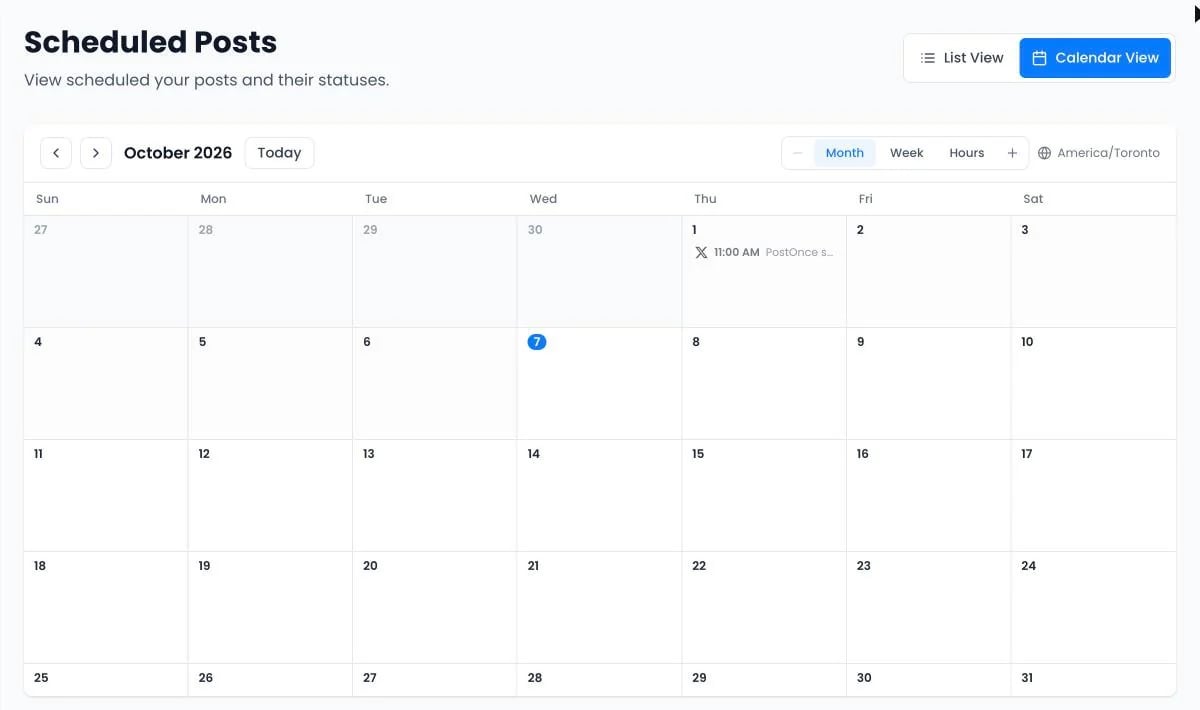
- Change the time: drag the post to another day in the calendar, or choose Change time in the list. You can undo a drag.
- Edit the text: choose Edit post. Media can’t be changed on a scheduled post; cancel it and create a new one instead.
- Cancel: open More actions › Cancel post. This can’t be undone.
- Open workflow: jump to the workflow a queued post belongs to.
Needs attention
If publishing was paused, for example after a failed payment, posts that missed their time appear under Needs attention. Nothing publishes until you choose Reschedule, Publish now or Delete for each one.Drafts
Posts › Drafts keeps posts you saved without publishing. Click a draft to continue where you left off. Archive drafts you don’t need; they move to Archived, where you can restore them.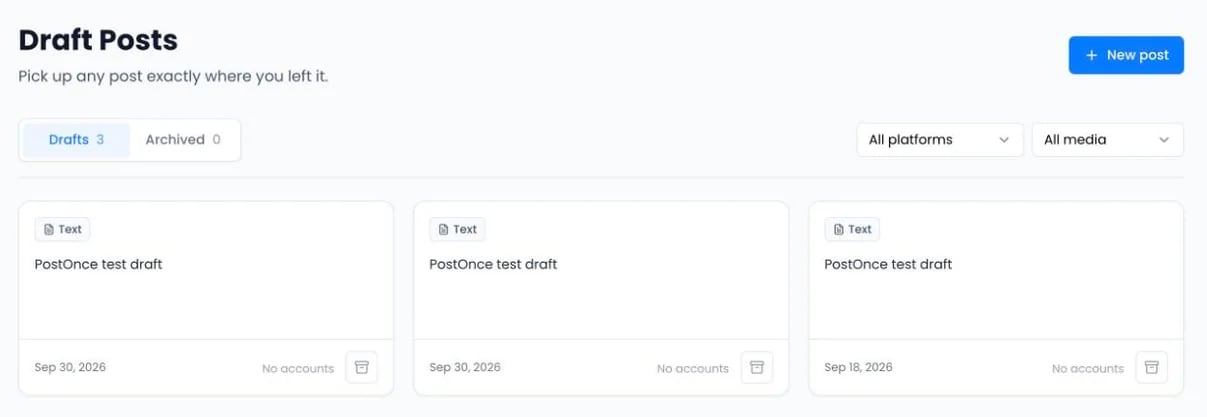
Post statuses
All your posts and their results are on Posts › Published. Hover over a Failed label to see why.