
Connect Pinterest
On Accounts, click Connect Pinterest. Pinterest shows what PostOnce can do; click Give access.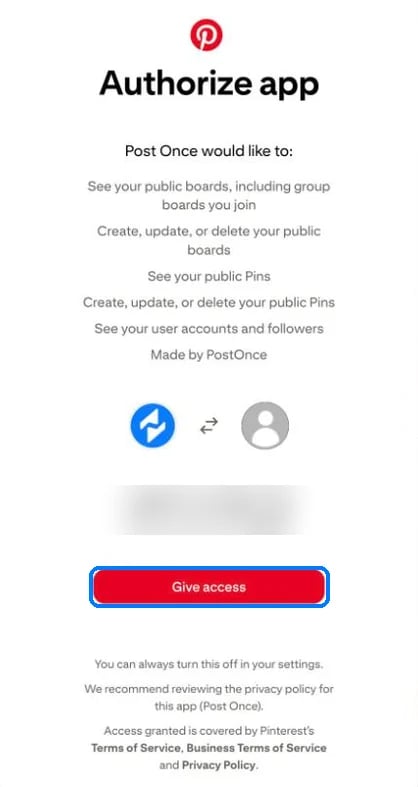
Pinterest's authorization screen
Pinterest as a source
- PostOnce checks Pinterest for new Pins every 10 minutes.
- A deleted or private Pin is skipped with “This Pin was deleted or made private.”
Publishing to Pinterest
Pinterest needs an image or video. Text-only posts are skipped.
Title: the source’s title, or else the start of the caption.
Board: in Create Post you choose the board. Workflows don’t have a board setting. PostOnce uses your saved default board, then a board named “PostOnce”, then your first board. If you have no boards, it creates a public board named “PostOnce”.
PostOnce creates the cover image for video Pins. If Pinterest rejects images of different shapes, PostOnce posts the first image on its own.